
Compress photos, videos and PDFs on your Mac
Smaller files. Same look.
Rezide shrinks them without uploading anything. Drag the file, let go, and the lighter copy shows up next to the original.
- For Mac
- Windows soon

Compress photos, videos, GIFs and PDFs with no visible quality loss
The same file, lighter and ready to send by email or WhatsApp.
- PHOTO
Compress images: lighter, just as sharp
To send them or put them on your website. The detail is still there.

- VIDEO
Shrink videos for WhatsApp and email
Shrink the clip so it fits in a chat or an email, with the same picture.
- GIF
Smooth GIFs, lighter
The animation moves just as smoothly and weighs less on your site or in a chat.
- PDF
Compress PDFs on Mac: smaller, same clarity
Text and charts read the same, in a file that is easier to attach.

Try it here, nothing uploaded
Don't believe us? Turn off Wi-Fi and try again.
The demo uses your browser; the app uses stronger engines.


Drop a photo or pick one. It's compressed in your browser and never leaves your device.
JPG · PNG · WebP · 25 MB
Compressing…
How to compress a file on your Mac with Rezide
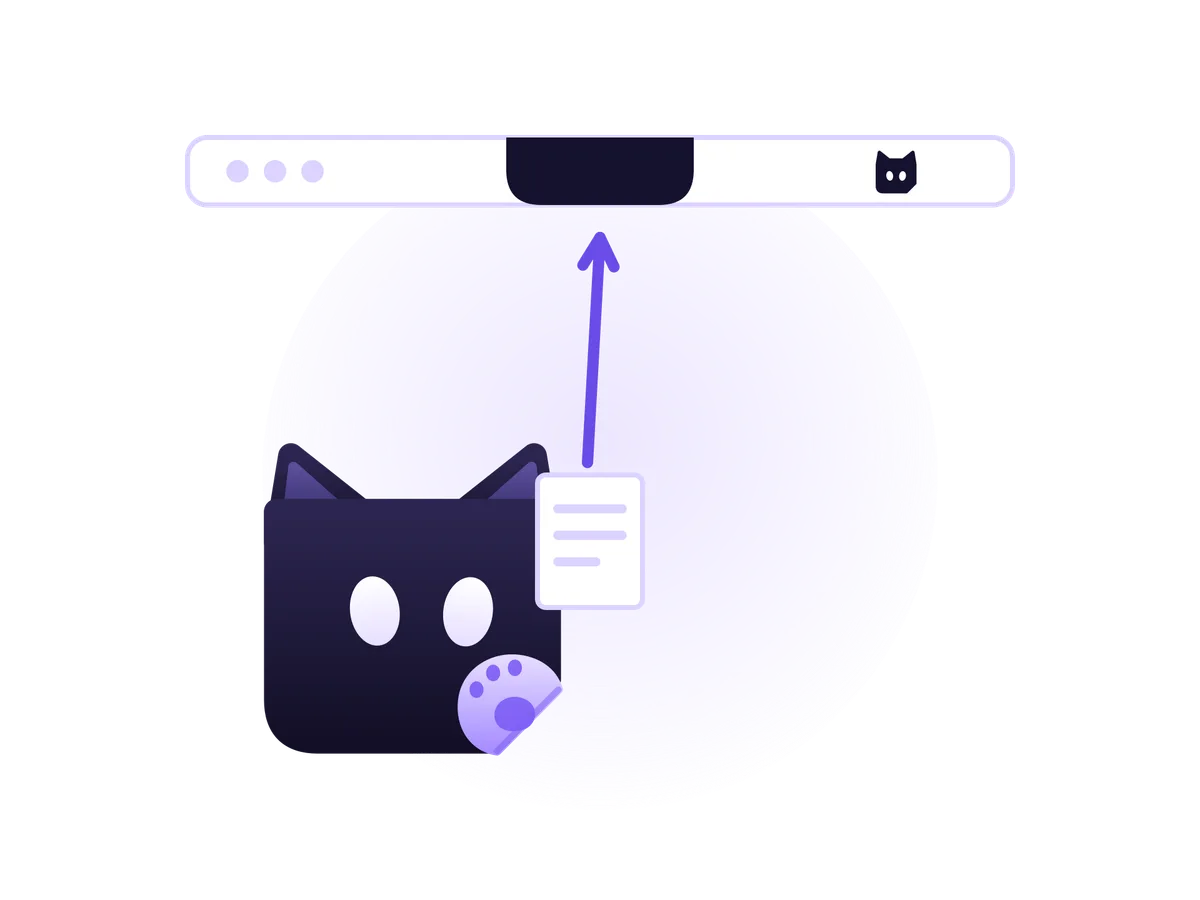
Drag a file to the top of your screen.
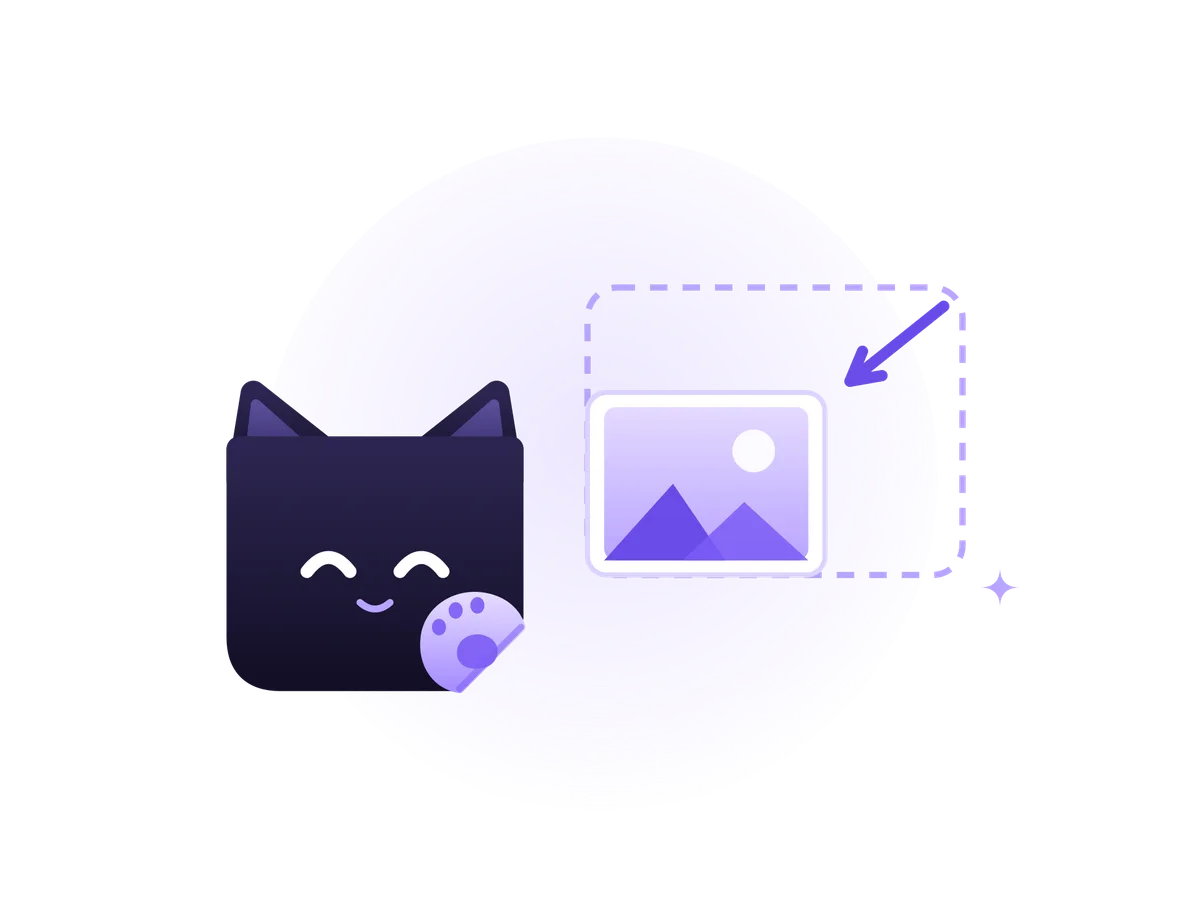
Let go. Rezide makes it lighter in seconds.

Done. The lighter copy sits next to the original.

Compress files offline, nothing uploaded
Your files stay yours. Online tools and AI chats upload your files to their servers. Rezide compresses them on your Mac, with no account and no internet.
Try it here, nothing uploaded
One week free, then one payment
USD 20one-time · 2 Macs
Launch price for the waitlist: USD 15
Includes
- All features
- 1.x updates
- Works offline
No subscription. No card for the trial.
Frequently asked questions
How do I compress a PDF on a Mac with Rezide?
Drag the PDF to the top of your screen and let go. Rezide saves a lighter copy next to it and leaves the original untouched. If the PDF is password-protected, Rezide leaves it as is.
Are my files uploaded anywhere? Does it work offline?
Nothing is uploaded. Compression happens entirely on your Mac, with no account, and works offline. It connects at most once every 30 days to check the license, and if there is no internet you get 30 more days. A compression in progress is never cut off, and your files never leave your Mac.
Which files can I compress?
Photos, videos, GIFs and PDFs. You can also convert photos to another format, such as WebP or JPEG.
Do files lose quality?
Rezide looks for the smallest size that still looks the same. If you want more, “Compress more” shrinks it further for a little quality.
What happens to the original?
It stays untouched. Rezide saves a new copy right next to it.
Can it compress whatever lands in a folder?
Yes. Pick a folder, like Downloads or your screenshots folder, and Rezide compresses every new file that arrives there, without dragging it. It starts off: you turn it on and choose which folders it watches.
Which macOS version do I need?
macOS 14 Sonoma or later.
How much does it cost? Is it a subscription?
It is not a subscription. Try it free for 7 days, no card, then pay USD 20 once for 2 Macs. People on the waitlist get it for USD 15 at launch.
When does it launch? Is there a Windows version?
Rezide is in testing. Mac comes first and Windows after. Join the list, pick the version you want, and we will tell you at launch.